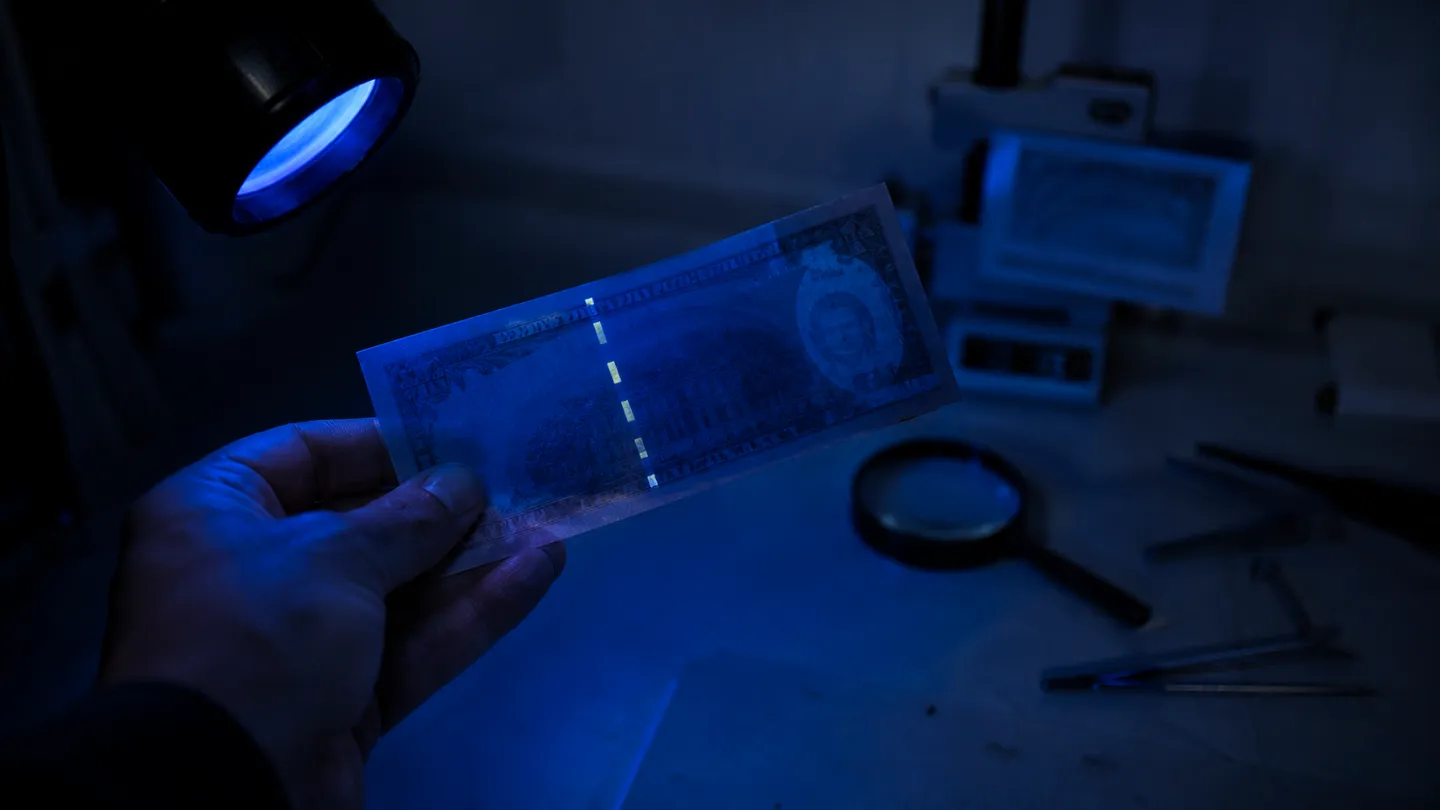
A fake dollar bill template should be an editable, clearly fictional design for classroom play, events, or props—not a realistic copy of U.S. currency. We recommend using a one-sided design and making any colour currency illustration either less than three-fourths or more than one-and-one-half times the genuine note’s linear dimensions; labels such as "For Motion Picture Use Only" do not replace these rules[1].
Free Fake Dollar Bill Template Options
Creating your own fake dollar bill template can be a fun and educational activity. We offer various options that are clearly fictional and designed for play or educational purposes. At the top of this page, you will find one-sided templates that are easy to print and customise. These templates come in several formats, including blank designs, photo options, text-only versions, and custom-denomination designs.
When selecting a template, consider the common formats available. Printable PDFs are ideal for straightforward printing, while editable Word documents allow for easy customisation of text and images. Canva templates are also a popular choice, enabling users to create visually appealing designs tailored to their needs. For those familiar with graphic design, Photoshop-compatible files provide advanced editing capabilities.
It is essential to adhere to legal guidelines when creating these templates. For instance, any colour illustration of U.S. currency must be one-sided and either less than three-fourths or more than one-and-one-half times the genuine note's linear dimensions[1]. This means that if you decide to create a template, it should not resemble real currency closely enough to cause confusion. Avoid using real seals, authentic portraits, or any replicated security features to ensure compliance with regulations.
Here are some options to consider for your fake dollar bill templates:
- Blank Template: Perfect for custom designs or educational activities.
- Photo Template: Allows the incorporation of images for a more engaging experience.
- Text-Only Template: Focuses on learning by letting users create their own messages.
- Custom-Denomination Designs: Suitable for specific themes or events.
By keeping these guidelines in mind, you can create a fun and compliant fake dollar bill template that is ideal for classroom activities, events, or props.
Is It Legal to Create or Print a Fake Dollar Bill?
Creating or printing a fake dollar bill can be legal, provided it adheres to specific guidelines outlined in U.S. law. The key distinction lies between lawful play money, which is designed for educational or entertainment purposes, and counterfeit currency intended to deceive. Under 18 U.S.C. § 504, producing counterfeit currency with the intent to defraud is a serious offense, carrying penalties of up to 20 years in prison[1].
To ensure compliance, we recommend following the guidelines set forth in 31 CFR § 411.1. A crucial aspect of these regulations is the size requirement: any illustration of U.S. currency must either be less than 75% or more than 150% of the genuine note's linear dimensions. For instance, since all current U.S. Federal Reserve notes measure 6.14 by 2.61 inches[2], your design should be smaller than 4.61 by 1.96 inches or larger than 9.21 by 3.91 inches[1].
Additionally, the design must be one-sided. This means that printing both the front and back of a bill can lead to legal complications, as it creates an unnecessary compliance risk[1]. The U.S. Secret Service also stipulates that any digital reproductions should be created at a resolution not exceeding 72 dpi to avoid producing high-quality images that may be mistaken for real currency[1].
Before proceeding with your fake dollar bill template, verify that you are adhering to these regulations and check for any updates to the U.S. Secret Service rules. We encourage readers to consult the U.S. Currency Education Program, which offers free printable play-money cutouts and further guidance on lawful currency illustrations[3]. By following these rules, you can create a compliant and safe template for educational or recreational use.
How to Make Your Own Play Money Template
Creating your own play money template can be a straightforward process that allows for creativity while ensuring compliance with legal guidelines. Start by establishing a rectangular layout that fits your needs. The standard dimensions for U.S. currency are 6.14 by 2.61 inches, but for play money, we recommend choosing a deliberately nonstandard size to avoid confusion with real currency. A size that is less than 4.61 by 1.96 inches or larger than 9.21 by 3.91 inches will help meet this requirement[2][1].
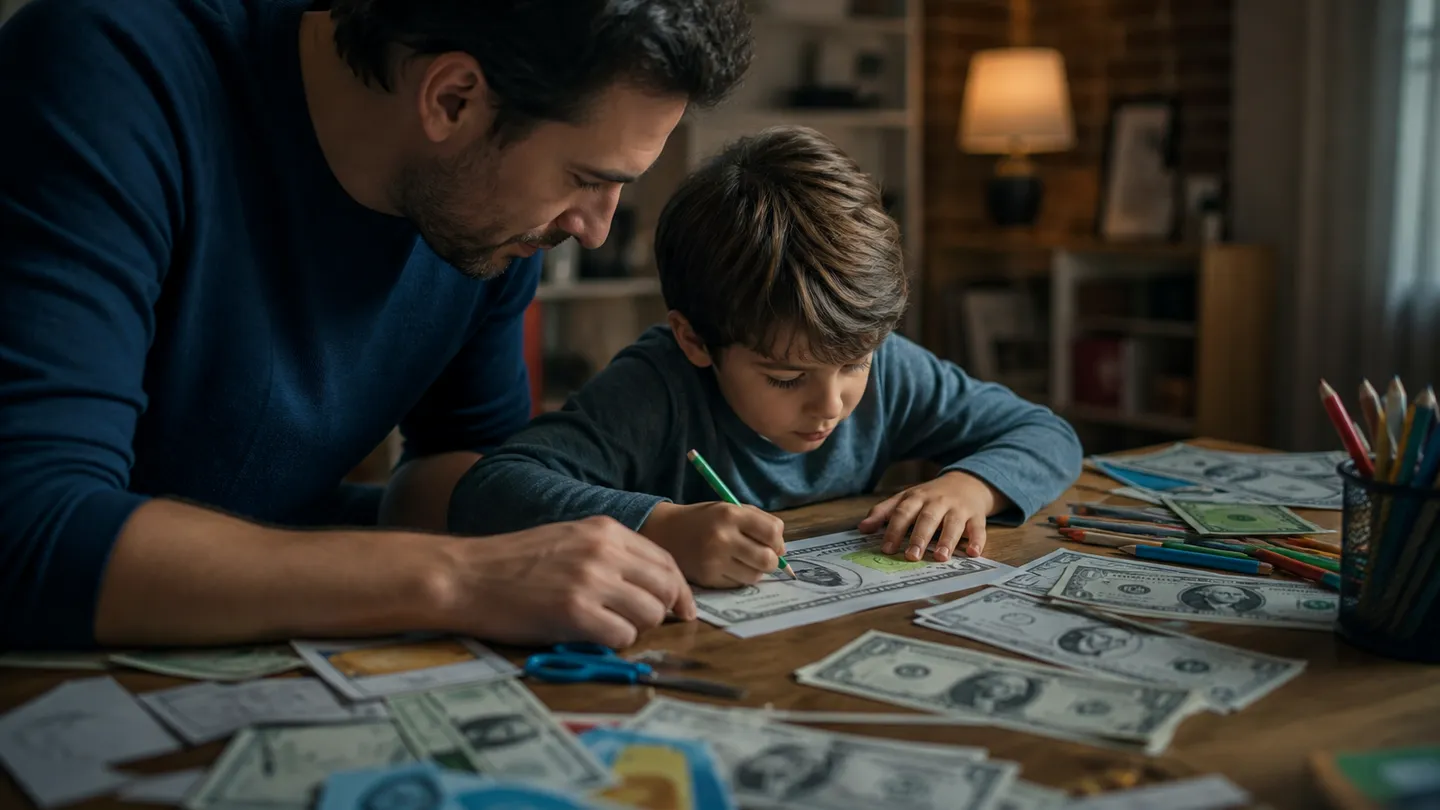
Next, add fictional artwork and wording to your template. This could include fun designs, bright colours, and playful themes. For example, if you're creating classroom reward money, consider using a teacher's photo, a made-up institution name like "Learning Academy," and a prominent "NOT LEGAL TENDER" label. This ensures that anyone who sees the bill understands it is not real currency.
When designing your template, make the denomination easy to read. Clear, bold numbers will help children and participants recognise the value at a glance. You can also incorporate educational elements, such as fun facts or prompts related to financial literacy, which can enhance the learning experience during play.
In summary, here’s a quick checklist for creating your play money template:
- Start with a rectangular layout.
- Choose a nonstandard size (less than 75% or more than 150% of genuine notes).
- Add fictional artwork and wording.
- Ensure the denomination is clearly visible.
- Include a "NOT LEGAL TENDER" label.
By following these steps, you can create an engaging and compliant play money template that is perfect for classroom activities, events, or props. Remember to keep it fun and educational, while steering clear of any real currency features to avoid legal issues.
What a Safe Dollar-Style Template Should Include
When creating a safe dollar-style template, it is essential to incorporate unmistakably fictional elements that clearly distinguish it from real currency. Here’s a checklist to help you ensure that your design is compliant and appropriate for play or educational purposes:
- Original Portrait or Icon: Use a made-up character or symbol rather than a real historical figure.
- Invented Issuer: Feature a fictional institution, such as "The Fun Money Bank," to avoid any association with official entities.
- Non-Currency Colours: Choose bright and unconventional colours that are not typically associated with legal tender. For example, shades of pink or green that are far from the standard hues.
- Conspicuous Disclaimer: Include a clear label stating "NOT LEGAL TENDER" to eliminate any confusion about the nature of the item.
- Simplified Borders: Design borders that are less intricate than those found on genuine currency, which helps in distinguishing it as play money.
- Obviously Fictional Identifiers: Replace serial numbers with fun sequences like "FUN123456" to ensure they are not mistaken for real currency.
In contrast, there are specific elements to omit entirely to remain compliant with legal guidelines. These include:
- Treasury and Federal Reserve Seals: Do not use any official seals that could imply authenticity.
- Genuine Signatures: Avoid replicating the signatures of real officials.
- Copied Serial Numbers: Steer clear of using any real serial numbers or formats.
- Watermarks and Security Threads: Exclude any security features that are present on real U.S. currency.
- Color-Shifting Ink Effects: These effects are characteristic of real currency and should not be used in play money.
- Exact Front-and-Back Reproductions: As per federal regulations, your template should be one-sided to avoid compliance risks[1].
By following this checklist, you can create a dollar-style template that is clearly fictional and suitable for educational or entertainment purposes. We recommend checking the U.S. Currency Education Program for additional resources and guidelines on creating compliant play money[3].
PDF, Word, Canva, or Photoshop: Which Format Should You Choose?
When creating a fake dollar bill template, selecting the right format can significantly impact your editing experience and the final output. Each format has its own strengths and is suited for different use cases. Below, we provide a comparison table that highlights key features of PDF, Word, Canva, and Photoshop.
| Format | Editability | Print Readiness | Photo Replacement | Software Requirements | Best Use Case |
|---|---|---|---|---|---|
| Limited | High | Not applicable | PDF reader | Immediate printing without edits | |
| Word | High | Moderate | Easy | Microsoft Word | Simple text edits and layouts |
| Canva | High | High | Easy | Web browser | Custom designs with visual appeal |
| Photoshop | Very high | High | Advanced | Adobe Photoshop | Complex graphics and layered designs |
PDFs are excellent for immediate printing as they maintain formatting across devices. However, they offer limited editability; once created, changing text or images can be cumbersome. This format is ideal if you want a ready-to-print document that requires no further adjustments.
Word
Microsoft Word allows for high editability, enabling users to modify text and images easily. It is particularly useful for creating simple templates where you might want to adjust denominations or add instructional text. However, the print quality might not be as consistent as PDFs.
Canva
Canva is a popular choice for those looking to create visually appealing designs without needing extensive software installation. It supports high-quality prints and offers a user-friendly interface for customisation. Users can easily replace photos and adjust layouts, making it suitable for educational or fun activities.
Photoshop
Photoshop is best for users already familiar with graphic design. It allows for complex edits and the creation of layered graphics. However, it may not be necessary for those simply looking to create a straightforward fake dollar bill template. If you are comfortable with this software, it can produce high-quality results.
In summary, we recommend PDF for immediate printing, Word for simple text edits, Canva for browser-based customisation, and Photoshop for advanced graphic design. Choosing the right format will help you create an effective and compliant fake dollar bill template that suits your needs.
Printing and Sharing the Template Responsibly
When printing and sharing your fake dollar bill template, it is crucial to adhere to specific guidelines to ensure compliance and safety. Designs should remain one-sided, visibly different from real currency, and outside prohibited reproduction sizes. This means that your template should not resemble authentic U.S. currency in any significant way, as this could lead to legal complications. According to federal regulations, any illustration of U.S. currency must either be less than 75% or more than 150% of the genuine note's linear dimensions[1]. For example, since current U.S. Federal Reserve notes measure 6.14 by 2.61 inches, your design should be smaller than 4.61 by 1.96 inches or larger than 9.21 by 3.91 inches[2].
Safe handling practices are also essential. We recommend printing your template on ordinary paper rather than high-quality stock that might resemble real currency. Always keep disclaimers visible, such as "NOT LEGAL TENDER," to eliminate any potential confusion. Additionally, avoid leaving props in public spaces or using them in transactions, as this could lead to misunderstandings and possible legal issues.
After the final use of any currency illustrations, it is important to destroy or delete all related files, including negatives, plates, and digital storage media[1]. This is in line with the requirement that one-sided reproductions must not only comply with size restrictions but also ensure that all production materials are properly disposed of to prevent misuse[1].
In summary, here’s a checklist for printing and sharing your fake dollar bill template responsibly:
- Ensure the design is one-sided.
- Maintain size compliance (less than 75% or more than 150%).
- Print on ordinary paper.
- Keep disclaimers visible.
- Do not leave props in public or use in transactions.
- Delete or destroy all reproduction files after use.
By following these guidelines, we can enjoy the creative aspects of our templates while respecting legal boundaries and ensuring a safe experience for everyone involved.
Myths About Fake Money Templates
Many common misconceptions surround the use of fake money templates, particularly regarding their legality and compliance with federal regulations. One prevalent myth is that adding wording such as "For Motion Picture Use Only" automatically exempts a design from legal scrutiny. However, this is misleading; the official reproduction rules still impose restrictions, including size limits and one-sidedness requirements[1]. Therefore, simply adding this phrase does not provide a legal safe harbour.
Another misconception is that creating black-and-white copies of currency is inherently exempt from reproduction rules. This is not true; the same regulations apply to black-and-white images as they do to colour illustrations. All reproductions must comply with the specific size requirements, which state that any illustration must be less than 75% or more than 150% of the genuine note's dimensions[1]. Thus, a black-and-white template could still lead to legal issues if it resembles real currency too closely.
Additionally, many believe that personal or classroom use provides an automatic exemption from reproduction rules. This assumption is incorrect. The legality of a design does not change based on its intended use. Even classroom activities must adhere to the same federal guidelines to avoid potential legal ramifications[1].
Lastly, some think that simply labelling a design as "novelty" can rectify an otherwise deceptive appearance. Unfortunately, this is not the case. A template that closely imitates real currency can still be deemed illegal, regardless of disclaimers or novelty labels. The U.S. Secret Service and the Bureau of Engraving and Printing maintain strict guidelines about how currency can be reproduced, and these guidelines must be followed to avoid serious consequences[4].
Understanding these myths helps clarify the complexities of creating compliant fake money templates. For accurate information, we encourage checking the resources provided by the U.S. Currency Education Program, which offers guidelines on creating play money that is both fun and legal[3].
Fake Dollar Bill Template FAQ
Creating a fake dollar bill template can raise several practical questions, particularly regarding its use, legality, and available formats. Here, we address some of the most common inquiries.
Are there free templates available?
Yes, the U.S. Currency Education Program provides free printable play-money cutouts and colouring sheets in various denominations, including $1, $2, $5, $10, $20, and $100. These resources are designed for children, parents, and teachers to facilitate educational activities and play[3]. Additionally, worksheets like the FDIC Money Smart invite children to design their own bills, enhancing their creativity while learning about currency[5].
What formats can I use for my template?
You can create your template in several formats, including PDF, Microsoft Word, Canva, or Photoshop. Each format has its advantages: PDFs are excellent for printing without editing, Word allows high editability, Canva is user-friendly for custom designs, and Photoshop offers advanced graphic capabilities[6][7][8].
Can I use custom photos in my design?
While you can incorporate custom images, ensure that they do not resemble real currency or violate federal reproduction guidelines. Specifically, any illustrations must be one-sided, and dimensions must adhere to the size limits of less than 75% or more than 150% of the genuine note's linear dimensions[1].
Is it appropriate to use $100-style play money in classrooms?
Using $100-style play money in educational settings is permissible, provided it is clearly marked as "NOT LEGAL TENDER" and designed to comply with federal regulations. This can enhance lessons on financial literacy, helping students understand the value of money in a safe, engaging manner.
Can I sell or share my templates?
Selling or sharing your templates is risky unless you ensure they comply with all relevant regulations. Federal law prohibits the reproduction of currency that closely resembles real money, which can lead to severe penalties, including imprisonment[1][4]. Always include disclaimers, and remember to destroy any files related to the template after use to avoid compliance risks[1].
What should I keep in mind if I live outside the U.S.?
If you are outside the United States, it is essential to check local laws regarding currency reproduction. Different countries have varying regulations, and what is permissible in one location may not be in another. Always prioritise legal compliance to avoid potential issues.
By addressing these common questions, we hope to clarify the best practices for creating and using fake dollar bill templates responsibly and legally.
Compliance Matrix for Fake Dollar Bill Templates
| Use Case | Size Compliance | Sidedness | Resolution | Labeling | Design Distinction |
|---|---|---|---|---|---|
| Printed | <75% or >150% | One-sided | Depends on printer | Visible disclaimers | Clearly fictional design |
| Downloadable | <75% or >150% | One-sided | High (300 dpi recommended) | Visible disclaimers | Clearly fictional design |
| Classroom | <75% or >150% | One-sided | Depends on printer | Visible disclaimers | Clearly fictional design |
| Theatrical | <75% or >150% | One-sided | High (300 dpi recommended) | Visible disclaimers | Clearly fictional design |
Common Mistakes and Misconceptions
Small choices matter.
Treating Every Dollar-Style Design as the Same Thing
Purpose changes the risk. Harmless play money uses an obviously fictional design, while a currency illustration depicts a genuine note and prop money may be handled by performers or audiences; counterfeit currency involves an intent to deceive, with offences carrying imprisonment of up to 20 years[1]. Before designing, we suggest defining the exact use—classroom activity, Seattle event token, stage prop, or currency illustration—and choosing the least realistic option that meets it.
Starting with a Scan of a Genuine Banknote
A scan is not a neutral starting point. Federal law expressly covers analog, digital, and electronic currency images, including capturing, recording, retrieving, transmitting, and reproducing them[4]. We advise building an original layout and checking that it does not copy:
- genuine or government-style seals;
- authentic security features or their placement;
- realistic serial-number patterns;
- the portrait, borders, typography, and layout as a complete arrangement.
Assuming One Changed Detail Makes the Design Fictional
One alteration is rarely enough. Creators sometimes replace the portrait but retain familiar seals, serial-number positioning, borders, colours, and denomination styling, leaving the overall design easy to mistake for currency. We suggest changing the entire visual system by using an imaginary issuer, plainly fictional symbols, unrelated typography, and names such as "Seattle Stage Dollars" or "Rainy Day Bucks".
Choosing Software Before Defining the Workflow
The familiar program is not always the suitable one. Word works well when several people need to replace names, instructions, or portraits through editable text and picture controls[6]; Canva is useful when exact custom dimensions, a locked aspect ratio, and print export settings matter[7][9]. Photoshop suits layered artwork and controlled PDF output[8], while a finished PDF is better reserved for recipients who only need to print rather than edit.
Sharing an Editable File Without Inspecting Its Contents
The visible page may hide more than expected. A Canva PDF containing a cropped photograph can retain the complete original image, which someone may recover with a PDF editor[9], while a Photoshop PDF may preserve editable layers[8]. Before sharing, we advise removing sensitive source images, checking hidden or cropped content, and exporting a clean print copy rather than distributing the working file.
Making Classroom Money Look More Authentic Than Necessary
Realism is not required for useful learning. The FDIC activity asks children to choose a person, add numbers, colour the design, and cut it out, showing that an original bill can support the lesson without copying a banknote[5]. For younger learners, we suggest beginning with official printable play-money materials or creating a clearly imaginary classroom currency with distinctive colours, characters, and symbols[3].
Conclusions
Keep it unmistakably fictional.
- Start by defining the purpose: a classroom exercise, Seattle event token, theatre prop, or decorative project.
- Build an original visual system rather than adapting a genuine banknote scan, since federal law also covers digital currency images[4].
- Choose Word or Canva for beginner-friendly editing; reserve Photoshop for creators who need layered artwork and controlled exports[6][7][8].
- Before printing or sharing, inspect cropped images, hidden content, editable layers, and every feature that could make the design appear authentic[9][8].
- Use playful colours, invented symbols, and imaginary issuers whenever realism adds no educational or creative value.
Next, learn how genuine counterfeits differ from harmless props in Fake US Dollars: How to Spot Them.
Straight answers
Where can I find a free printable fake dollar bill template?
Use the U.S. Currency Education Program rather than downloading an unknown realistic template. It provides printable play-money cut-outs and colouring sheets covering $1, $2, $5, $10, $20, and $100 denominations[3]. For an original design activity, the FDIC Money Smart worksheet lets children choose a person, add numbers, colour the bill, and cut it out[5].
Can I make an editable money template in Word?
Yes. Microsoft Word supports editable text and picture controls, so we can create fields for the name, denomination, instructions, and portrait without rebuilding the layout[6]. Before sharing the file, we suggest locking any background elements that recipients should not move and keeping the design visibly fictional.
How do I create a dollar bill template in Canva?
Start with custom dimensions, lock the aspect ratio, and build an original layout instead of importing a genuine banknote image[7]. For printing, Canva's PDF Print export uses 300 dpi and can include bleed, crop marks, and an RGB or CMYK colour profile; PDF Standard uses 96 dpi[9]. We recommend using invented symbols, playful colours, and a fictional issuer such as "Seattle Classroom Credits".
Can I add my own photo to a play money template?
Yes, provided the result remains clearly fictional rather than resembling genuine currency. If you export from Canva, remember that a PDF containing a cropped photograph may retain the full original image, which someone could recover using a PDF editor[9]. We suggest recreating the final file without sensitive source material before distributing it to parents, pupils, guests, or performers.
What size should printed prop money be?
A genuine current U.S. Federal Reserve note measures 6.14 by 2.61 inches[2]. A permitted colour currency illustration must be smaller than three-fourths or larger than one-and-one-half times the genuine note's linear dimensions[1]. Before printing, we recommend checking both dimensions and using only one side, since permitted colour illustrations must also be one-sided[1].
Can I print a fake $100 bill for classroom or party use?
For classroom use, the safer starting point is the printable $100 play-money material from the U.S. Currency Education Program[3]. For a party in Seattle, we advise creating an obviously imaginary token with an invented issuer, unrelated artwork, and no matching reverse. Printing corresponding fronts and backs creates an avoidable compliance risk because permitted colour currency illustrations must be one-sided[1].
Links and references
- 1. Currency Image Use | U.S. Currency Education Program
- 2. Federal Reserve Notes | Bureau of Engraving and Printing
- 3. Download Materials | U.S. Currency Education Program
- 4. 18 USC 474: Plates, Stones, or Analog, Digital, or Electronic Images for Counterfeiting Obligations or Securities
- 5. Money Smart for Young People Grades Pre-K–2 Educator Guide
- 6. Edit Templates | Microsoft Support
- 7. Resize Designs and Size Limits | Canva Help Center
- 8. Save as Photoshop PDF | Adobe Photoshop
- 9. Choose the Right Download File Type for Your Canva Design | Canva Help Center